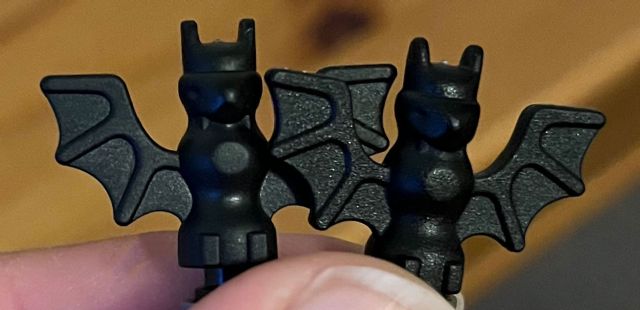
One (I assume the old model) sits above the stop ring (left), and the newer one
lets you press it down the bar all the way to the stop ring (right), meaning
the hole inside it is bigger.
Also they differ in texture, with the newer one (again on the right) being more
matter and feels more textured:
not all different molds are separated by bricklink. looking at this part I can
see it has 2 different mold numbers. I responded to this in catalogue requests
so an admin can see it easier
One (I assume the old model) sits above the stop ring (left), and the newer one
lets you press it down the bar all the way to the stop ring (right), meaning
the hole inside it is bigger.
Also they differ in texture, with the newer one (again on the right) being more
matter and feels more textured:
Does anyone knows how to report it to Bricklink so a new, alternative entry can
be created?
In this situation, I don't think we would create a new entry unless one of
the specific molds was needed in a certain set's build. Otherwise, they will
remain under one entry.
In this situation, I don't think we would create a new entry unless one of
the specific molds was needed in a certain set's build. Otherwise, they will
remain under one entry.
In this situation, I don't think we would create a new entry unless one of
the specific molds was needed in a certain set's build. Otherwise, they will
remain under one entry.
In this situation, I don't think we would create a new entry unless one of
the specific molds was needed in a certain set's build. Otherwise, they will
remain under one entry.
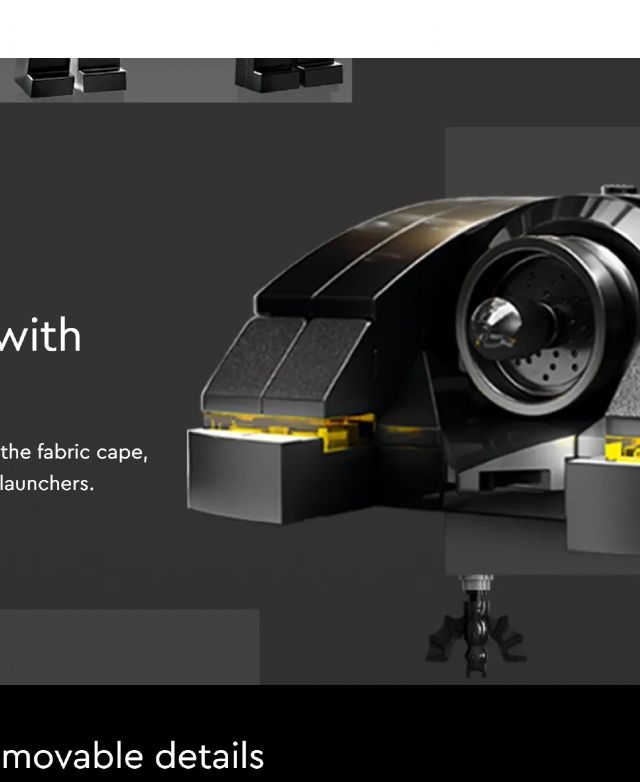
Seems they used the old bat for product photos then:
That's interesting! I ordered 4 bats last year from a Bricklink seller, and
only yesterday I realised that 3 are 'sticking out' and 1 is not. So
the Batcave is definitely not the first set when this new mould was used.
In this situation, I don't think we would create a new entry unless one of
the specific molds was needed in a certain set's build. Otherwise, they will
remain under one entry.


 United Kingdom, England

)
)


 Canada, Ontario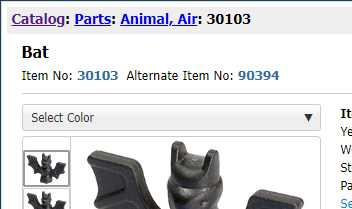

 USA, Ohio

 Spain, Comunidad Valenciana