I am quite new to bricklink (and Studio 2.0), so maybe I missed the help section...
Anyhow, I have imported a Whish List into Bricklink and added a few parts into
the My Collection, which I do not wan do buy. Each time I update my Studio 2.0
model and upload it as Whish List I have to manually enter the parts, which
I do not want to buy (take into account when compiling a buyers list).
So, is there a way to automatically ignore parts when using zhe "Easy Buy"
button?
I am quite new to bricklink (and Studio 2.0), so maybe I missed the help section...
Hi and welcome
Anyhow, I have imported a Whish List into Bricklink and added a few parts into
the My Collection, which I do not wan do buy. Each time I update my Studio 2.0
model and upload it as Whish List I have to manually enter the parts, which
I do not want to buy (take into account when compiling a buyers list).
So, is there a way to automatically ignore parts when using zhe "Easy Buy"
button?
Unfortunately, no, there’s no way to do that on the website
The My Collection feature is not finished yet.
You’ll need to use another tool, like BrickStore (application) or Rebrickable
(website) to easily make differences between inventories.
I am quite new to bricklink (and Studio 2.0), so maybe I missed the help section...
Hi and welcome
Anyhow, I have imported a Whish List into Bricklink and added a few parts into
the My Collection, which I do not wan do buy. Each time I update my Studio 2.0
model and upload it as Whish List I have to manually enter the parts, which
I do not want to buy (take into account when compiling a buyers list).
So, is there a way to automatically ignore parts when using zhe "Easy Buy"
button?
Unfortunately, no, there’s no way to do that on the website
The My Collection feature is not finished yet.
You’ll need to use another tool, like BrickStore (application) or Rebrickable
(website) to easily make differences between inventories.
I don't need any tool to make the difference between your inventory and mine
Apart this you're right, and I'd of course recommend BrickStore, but
rebrickable is fine.
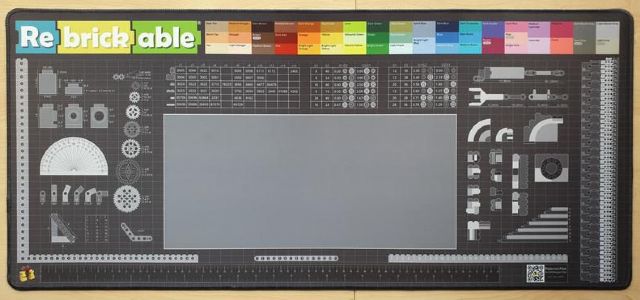
Love their desk/building/keyboard+mouse pad BTW - We've got few of them
here!


 Germany, Hessen


 France, Nouvelle-Aquitaine