If the custom part exists in the catalogue, then Studio will gets its weight
(and available colours and prices) if you enter its BrickLink ID in the “BL ItemNo
(optional)” field in PartDesigner when you export the part.
Otherwise, you can’t assign a weight (or colours or prices) to a custom part.
(Well, you may manage it by tinkering with Studio’s “meta info” cache but that
seems complicated.)
Otherwise, the dedicated forum for Studio and PartDesigner is https://forum.bricklink.com/
(menu Studio Resources Studio Forum).
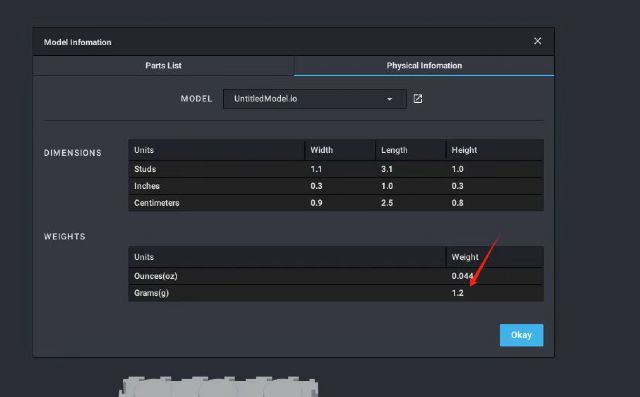
I couldn't find a way to modify the weight of a custom part in PartDesigner.
Could you please send me a specific operation manual, teacher?
As I tried to explain, you can’t directly assign a weight to a custom part (or
modify it).
Studio gets the weigths from the catalogue.
If the part exists in the catalogue, you can associate your custom part with
the catalogue entry by putting the BrickLink ID in the field “BL Item No (optional)”
when you export the part in PartDesigner.
And then Studio will automatically get the weight (and colours and prices) from
the catalogue.


 Afghanistan


 France, Nouvelle-Aquitaine


