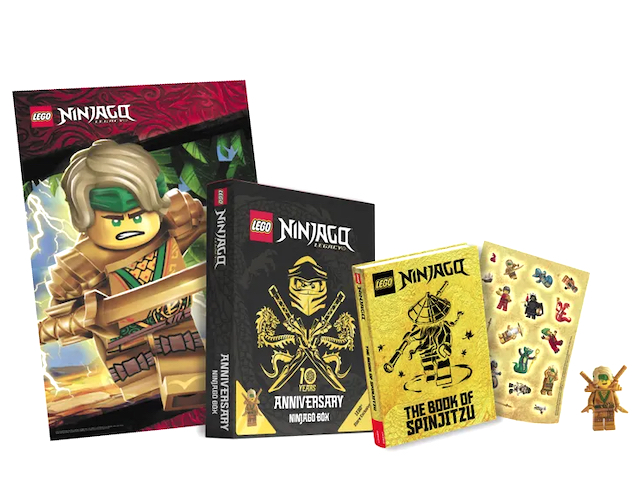
want to ad this item to my store.
but not yet in bl
You can be the one that adds it to the Bricklink catalog and get both the opportunity
to have it in your store and be famous & remembered for ever !
https://www.bricklink.com/help.asp?helpID=71
~ Then use the “Custom Item” tab after choosing the most appropriate
book category, example: activity, idea, sticker, etc. This affixes the Image
selection to *Upload My Own Image to BrickLink on Next Page
~ Next, add comments (required)
~ Then fill-in the required fields: quantity, bulk and price.
~ Before hitting the “Review” tab at the bottom of the page, add what info you
can to any other fields such as dimensions, weight, etc (it's not required
but useful)
~ Next, choose a file and upload your image. You can grab the pic I’ve supplied
here, it’s already formatted.
~ On the last page, use the “Add to Inventory” tab
For more exposure, place the newly created custom listing on your store’s Feature
Page, that can further be made your store’s landing page.


 Netherlands, Drenthe


 Sweden, Södermanland
 !
!

 USA, Washington