| |||
| LEGO® Account integration deadline | |||
The deadline for BrickLink® and LEGO account integration is January 21, 2026 by 9:30 AM CET. We will be deactivating BrickLink accounts that are not integrated by this date. If you haven’t integrated your accounts, please do so. | |||
| LEGO Account integration is coming September 18th, 2025 | |||
This year marks an incredible milestone as we celebrate 25 years of BrickLink! Since joining the LEGO Group in 2019, we’ve been working hard to make the platform even better, more enjoyable, and ready for an exciting future. Now, it’s time for the next big step: LEGO® Account integration is coming to BrickLink on September 18th, 2025. What does LEGO® Account integration mean? LEGO Account integration will create a single sign-in experience for both LEGO.com and BrickLink.com. If you already have a LEGO Account, you’ll soon be able to merge it with your BrickLink account. If you don’t have one yet, you’ll need to create one and then merge it with your BrickLink account to keep using all your favorite BrickLink features. In markets where the LEGO Group offers the LEGO Insiders program, a LEGO Account is created as part of signing up for LEGO Insiders. What's changing? While some things on BrickLink will change, your core experience will remain the same. LEGO Account integration will influence the following areas of your BrickLink experience:
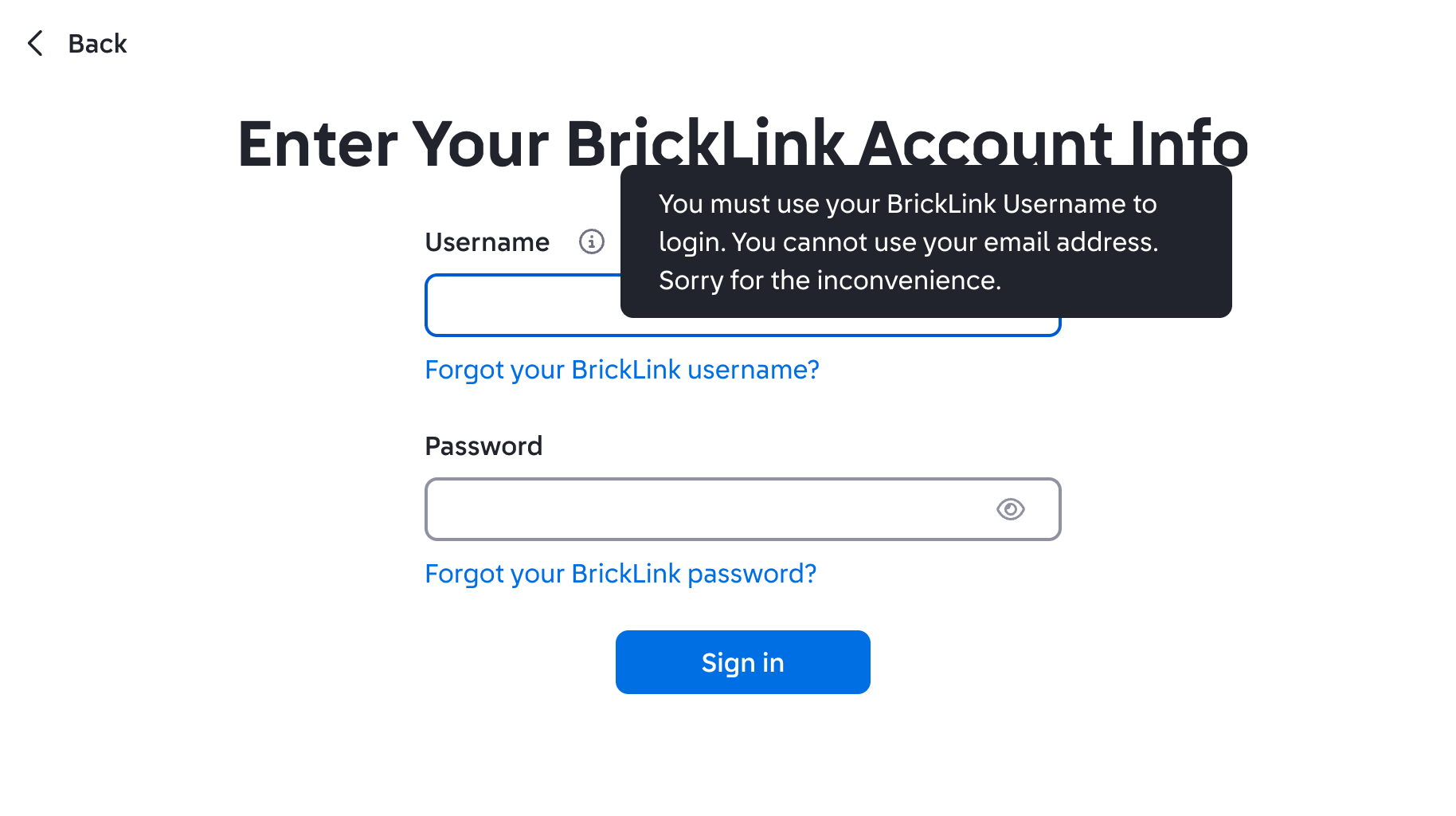
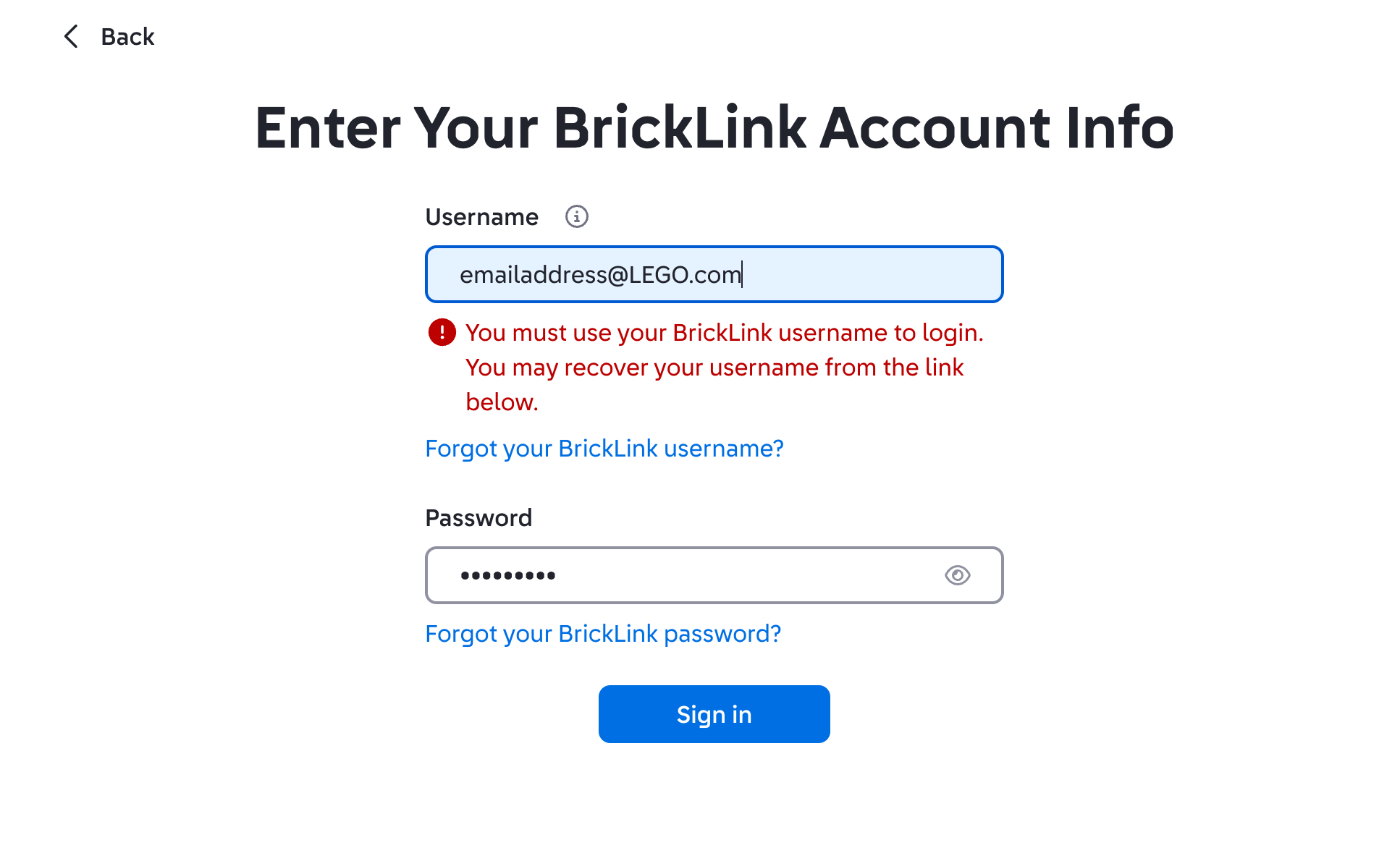
Sign in After the account integration on September 18th, 2025, BrickLink members will no longer sign in using the email address associated with their BrickLink account. Instead, you’ll sign in to both LEGO.com and BrickLink.com using your LEGO username.
Your LEGO.com email will also become your primary email address, which is where you’ll receive notifications after you merge accounts.
If you love your current ID card pic and want to save it, be sure to download it before September 18th, 2025. Learn how here:here.
You can read the new Terms of Service here, which will go into effect on September 18th, 2025. The current LEGO Group Privacy Policy that you can find here will be updated closer to September 18th, and will replace the BrickLink Privacy Policy.
As we take this next step together, know that our team is here to support you in making this transition as smooth as possible.
| |||
| FAQ | |||
What is a LEGO® Account? A LEGO Account is your sign-in for all LEGO online experiences. In most regions, this account is created when you sign up for the LEGO Insiders program. Why are you integrating BrickLink accounts with LEGO Accounts? Our mission is to make buying, selling, designing, and connecting on BrickLink as fun and rewarding as possible. As part of this work, we’re bringing BrickLink accounts and LEGO Accounts together in one system. This means you’ll be able to easily switch between LEGO online experiences and keep all your information in one place. We’ve made sure that the transition will be as smooth and easy as possible for all buyers, sellers, and designers on BrickLink. When are you integrating BrickLink accounts with LEGO Accounts? You can integrate your accounts starting September 18th, 2025! Click on the minifigure head in the top right corner of the BrickLink landing page. This will take you to LEGO.com to initiate the process. BrickLink previously communicated about this change in 2022. Is that information still relevant? Yes, but please use this Help Page to get all the latest info – we’ll be keeping this page up to date as well as sending out emails as we introduce the new system. How will the integration of BrickLink and LEGO Accounts affect me? On September 18th, you’ll be asked to accept and adhere to our revised Terms of Service and Privacy Policy.
Account integration will also change the way your display name is shown on BrickLink.com. This change will not take place in autumn 2025 with LEGO Account integration but will happen in the future. After the change, the name shown on your BrickLink profile will be your LEGO Account nickname, not your BrickLink username.
New profile photos will be available after you integrate your accounts. These ID pics will consist of preset images featuring LEGO minifigures and background colors, including updated versions of classic BrickLink profile pictures.
If you’d like to keep using your current name for your profile, please sign in to your LEGO Account and change your nickname to the name you’d like to use on BrickLink.
The most important rule is that a nickname can’t include the word “LEGO,” or any other trademarks owned by the LEGO Group. Since “LEGO” is a protected term, it can’t be used commercially by individuals, communities, or organizations. We want everyone to feel welcome and safe, so nicknames that contain upsetting, offensive, or unpleasant words aren’t allowed. If your nickname references religion, politics, or cultural topics, it may be rejected. Our goal is to create a space where everyone can share their LEGO creations, find inspiration, and connect with fellow fans. Here's the full list of guidelines:
How do I reserve my BrickLink username in the LEGO Account nickname system? To update your LEGO nickname, please follow these steps:
What if my preferred LEGO nickname is already taken? What do I do? If the nickname you’ve entered gets rejected or is already being used by someone else, then you’ll need to choose a different one. We know this can be disappointing, especially if it’s a name you’ve been using on BrickLink for a long time. You can make small tweaks to your nickname so your network can still recognize you. Can LEGO nicknames be changed? Absolutely! Once a LEGO nickname has been approved by our moderators, it’s locked for a period of 30 days — but after that, you can change it again if you’d like to.
You might get a randomly selected nickname when you first create your LEGO Account, but you can change it right away.
What happens if I don’t integrate my BrickLink account and LEGO Account?
Please note that you won't be able to activate, access, or delete your BrickLink account during the merge period.
| |||
| Seller FAQ | |||
Will the LEGO Account nickname guidelines also apply to my BrickLink store name? Yes, they will, but you’ll still have some time after the account integration to select your BrickLink store name. We'll share more information on the deadline for changing your store name when the time comes. Can I reserve my BrickLink store name? There is currently no option to reserve a BrickLink store name, but BrickLink store names follow the same guidelines as BrickLink nicknames, which you can currently check by logging into your LEGO.com account and typing in your current or preferred nickname. If the name is accepted, it will also be accepted for your store. If my nickname changes, will it also change my store URL? If your LEGO Account nickname is different from your existing BrickLink username, your store URL might change when your LEGO Account nickname becomes your name on BrickLink. We'll have more information on this when the time comes. Can I change a LEGO account that I merged with my BrickLink one in the future? Yes. To do that, you will need to register the new LEGO.com account and reach out to customer service to undo the merge. What happens to my LEGO Insiders points after I merge my LEGO and BrickLink accounts? If you merge your LEGO Account with a BrickLink buyer account or a seller account that is not a registered business, you will still be able to keep using your Insider Points for LEGO.com purchases. Alternatively, corporations, associations, and other legal entities are not eligible for the LEGO Insiders program. Go here for more details. So, if you’re a business seller on BrickLink, make sure you merge your seller account with a new LEGO Account not associated with your LEGO Insider Points. This will allow you to keep earning and spending your points as usual. Please note Insider points can’t be used for purchases on BrickLink.com. What if I’m an individual who owns a registered business? How can I integrate my existing LEGO Account and BrickLink account, considering these revised terms? You’ll have to operate two LEGO Accounts to comply with the LEGO Insiders Terms and Conditions. If you already have a LEGO Account that you participate in the LEGO Insiders program with as a private person, you can continue to use it as long as it isn’t linked to your BrickLink account. You can create a second LEGO Account with a different email address to link to BrickLink and continue selling without engaging in the LEGO Insiders program. What do you mean by store name? Are you referring to my store’s display name or its store URL? When we refer to a store name, we mean the store’s display name. |